How do I post photos and videos?
- In the app, tap + at the bottom.
- Choose up to ten photos or videos. Videos can be up to a minute long.
- Pick a shape: Portrait (4:5), Square or Landscape (3:2). The app crops each photo to that shape for you, from the middle.
- Write a caption if you like, and choose a collection.
- If you like, tap Add descriptions (optional) and add a few words for each photo, for people who can’t see it.
- Choose who can see it, then Share.
Videos need a plan that takes video files. On WordPress.com that’s Premium or above. On Personal you can post photos, and the app tells you so before you start.
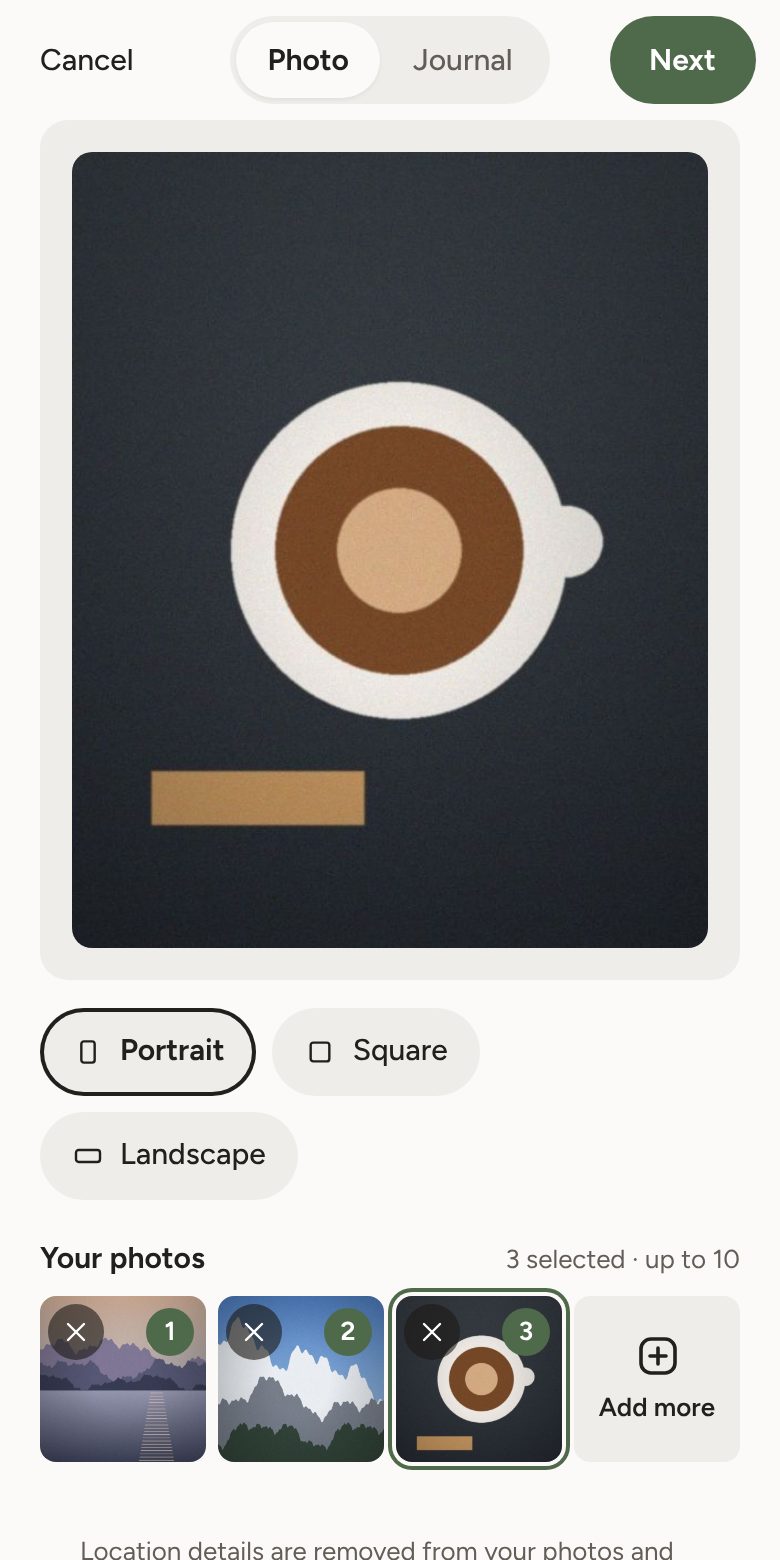
Your post is on your page straight away, and in your followers’ feeds within about 15 minutes. Stubli makes photos the right size and removes where they were taken, from photos and videos.
Links in captions work: paste a web address and it becomes a link.
Which photo sizes fit best?
- Portrait: 4:5, for example 1638 × 2048 pixels.
- Square: 1:1, for example 2048 × 2048 pixels.
- Landscape: 3:2, for example 2048 × 1365 pixels.
Photos of any size work. A photo already in the shape you pick fits exactly, with nothing cut off. Most phones take 4:3 photos, so Landscape trims only a thin strip from the top and bottom. At least about 1500 pixels across keeps photos sharp. Stubli saves them at up to 2048 pixels on the long side.
When someone opens a post, they see each photo as you cropped it, with nothing more cut off.